
Santre Film
Cut, grade and finish video.
Cut on a multi-track timeline with source and program monitors, then grade, mix, title and caption the piece in the same project. Santre Film is made for documentary, corporate and short-form work that has to leave the building as a finished master.
Alternative to
Harbour lamp launch film on the edit timeline
Sample content

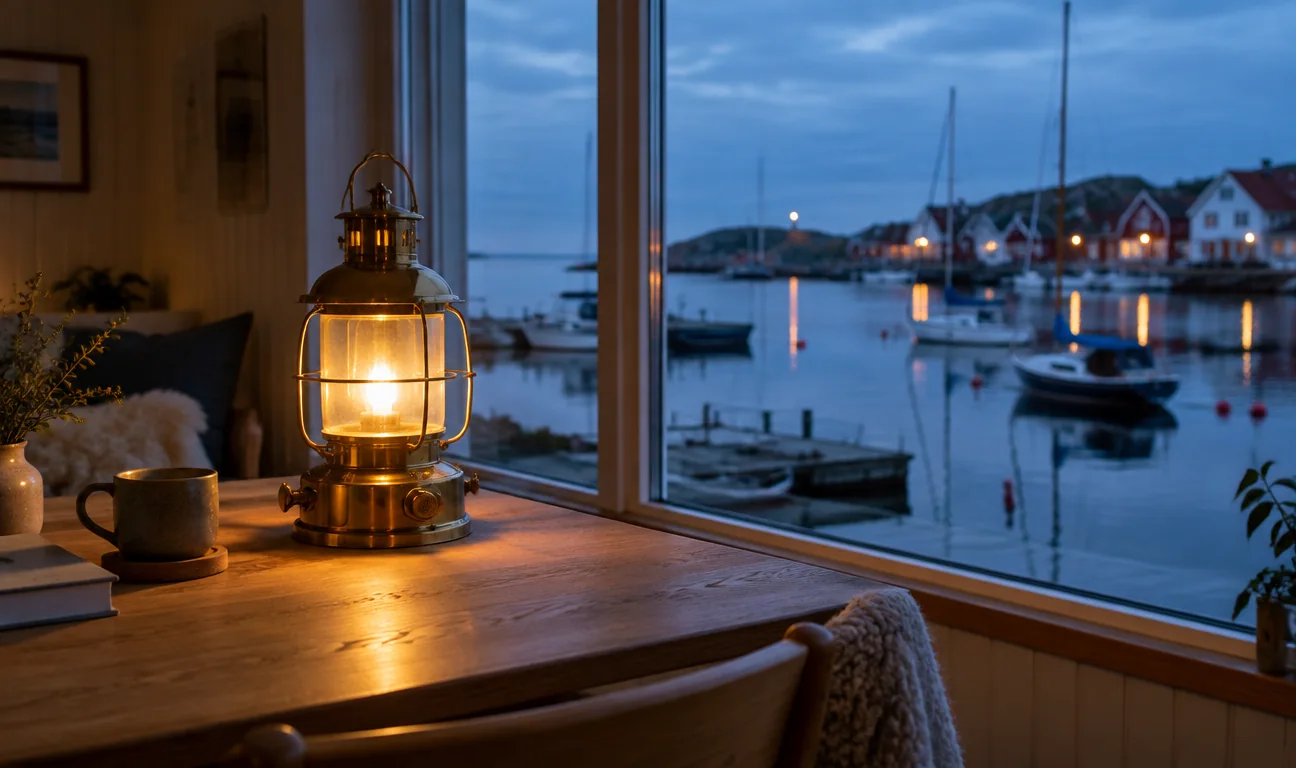
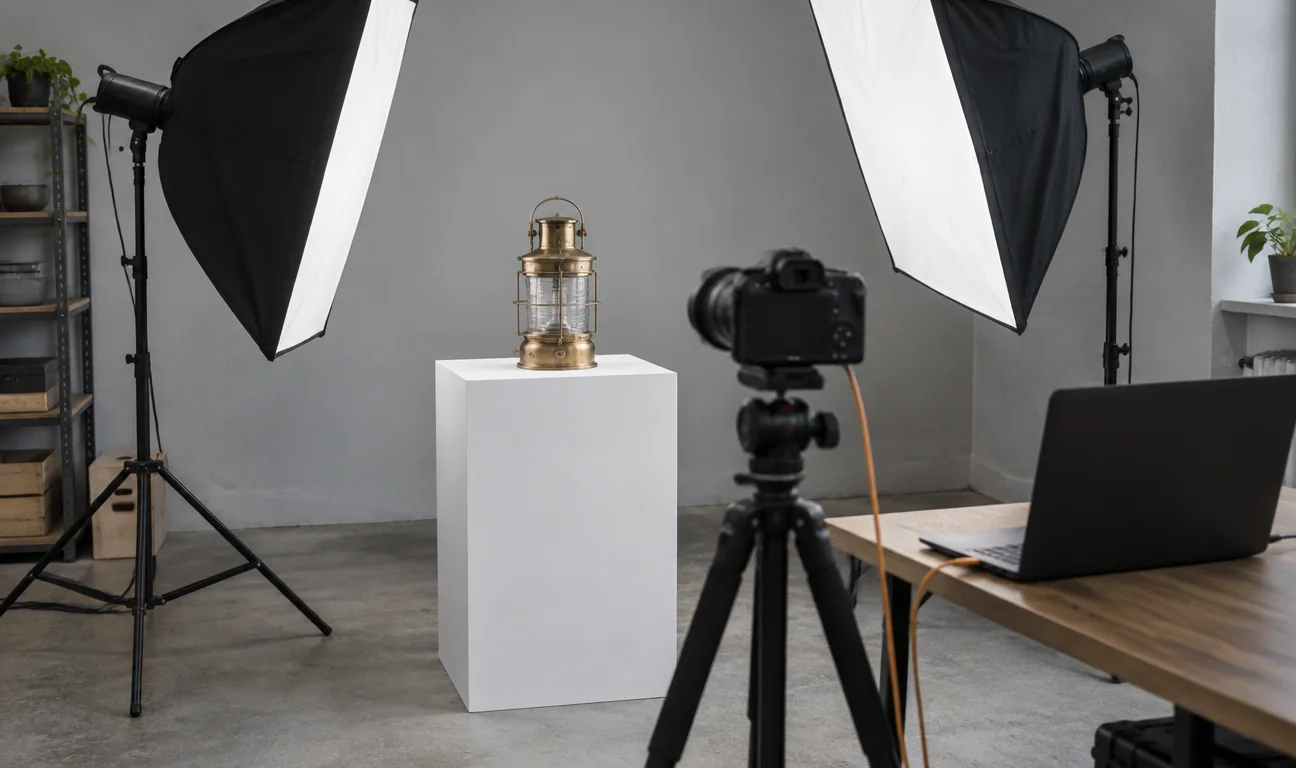
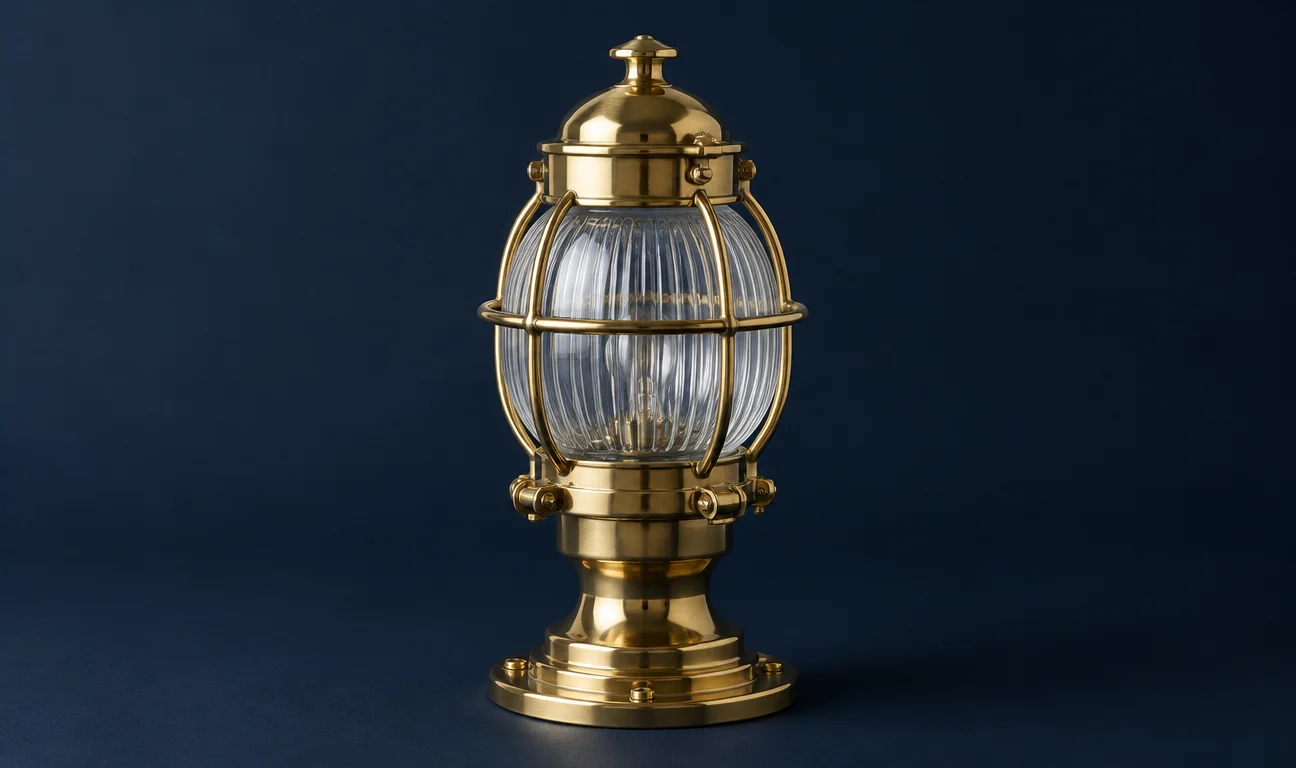

Santre Film with fictional sample content. The window follows the layout of the established application it is built on.
What is inside.
Three-point editing and trim
Insert, overwrite, lift and extract from the Source monitor, then ripple, roll, slip, slide or rate-stretch on the timeline. The Trim Monitor shows both sides of a cut, and J, K and L trim it while it plays.
Frame-exact timing
Projects at 23.976, 29.97 drop-frame and 59.94 keep exact time, so long timelines never drift. Markers carry colours, names and durations and export to CSV.
Colour grading with scopes
Basic Correction, RGB and hue/saturation curves, three-way colour wheels, HSL secondaries with a matte view and a vignette. The waveform and vectorscope read the graded frame.
Effects, transitions, keyframes
Every clip has motion and opacity controls, with keyframes in linear, Bézier, hold and ease. Value and velocity graphs shape the move, and the effects browser holds blurs, keys, track mattes, stabilisation, dissolves and wipes.
Mix to loudness targets
Loudness meters follow ITU-R BS.1770 and EBU R128, with momentary, short-term, integrated and true-peak readings. Track and clip mixers carry EQ, dynamics, a limiter, noise and hum removal, and Read, Latch, Touch and Write automation.
Titles and captions
Type, Shape and Pen tools draw titles straight on the Program monitor with proper kerning and ligatures. Caption tracks handle subtitles, CEA-608, CEA-708 and Teletext, and can be burned in on export.
Time that never drifts
Every drop-frame and fractional rate is handled exactly, so a long edit stays in sync from first frame to last.
A real mixer in the editor
Broadcast loudness meters, console-style automation and audio repair sit in the Audio workspace.
Six ways to hand off
AAF, OMF, CMX 3600 EDL, two XML formats and OTIO give every downstream suite a timeline it can read.
In practice.
Cut a documentary
Sort interviews and B-roll into bins, build the story in the Assembly workspace and tighten it with three-point edits and the Trim Monitor. Move to the Color workspace to match shots against the waveform, then export a ProRes 422 HQ master.
Deliver a captioned social video
Cut the piece, import or type the captions on a subtitle track and check dialogue against the loudness meters. Export an H.264 MP4 with the captions burned in, plus a separate SRT or WebVTT file for the platform.
Hand the cut to finishing
Lock picture, then export the timeline as AAF or OMF for the sound mix and as an EDL or XML for the online. Markers go out as CSV so notes travel with the cut.
Made for
Documentary and short-form editors
Cut interviews and B-roll with trim tools, scopes and caption tracks in one project.
Corporate and marketing video teams
Deliver H.264 MP4 for the web and ProRes or DNxHR masters for the archive.
Broadcast and accessibility work
Meet loudness specifications and deliver CEA-608, CEA-708 or Teletext captions.
Post houses
Exchange timelines with sound and finishing suites through AAF, OMF, EDL, XML and OTIO.
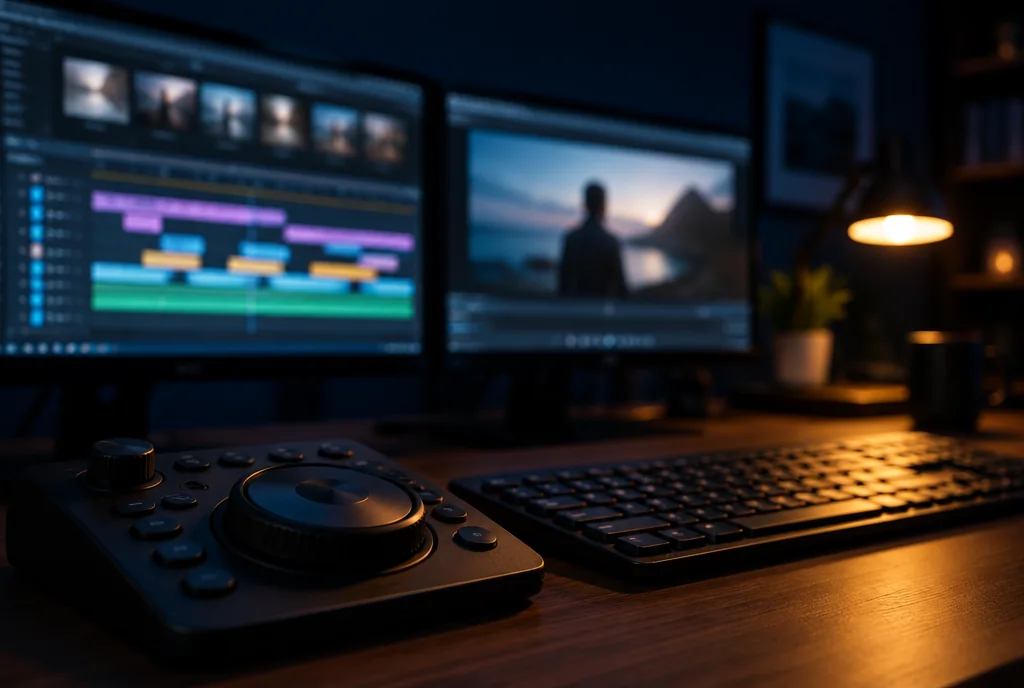
The edit suite: the cut lives in Film, titles come in from Effects.
Illustrative scene
Opens and saves.
Video exports as H.264 MP4, ProRes 422 HQ, DNxHR, MJPEG and MXF; camera raw footage does not import, and AAF and OMF files should be checked in the receiving app.
At the desk.
Five workspaces
Editing, Assembly, Color, Effects and Audio each arrange the panels for that stage of the job.
Dockable panels
Move, stack and resize the monitors, bins, timeline and Effect Controls to suit the screen.
Render bar and preview cache
Green, yellow and red bars show what plays in real time, and rendered previews are kept for reuse.
Shortcut editor
A drawn keyboard shows every shortcut, warns about conflicts and loads standard editing layouts.
Safe saves
Saves complete fully or not at all, auto-save keeps rolling versions, and a recovery journal brings work back after a crash.
Unlimited undo
The History panel steps back through every edit in the session.
Good to know.
- Can Santre Film export ProRes?
- Yes. Santre Film exports ProRes 422 HQ in a QuickTime file, along with H.264 MP4, DNxHR, MJPEG and MXF OP1a or OP-Atom.
- Does Santre Film support closed captions?
- Yes. It has subtitle, CEA-608, CEA-708 and Teletext tracks, imports and exports SRT, WebVTT and SCC, and can burn captions into the picture on export.
- Can I send a Santre Film timeline to another editing or audio app?
- Santre Film exports AAF, OMF, CMX 3600 EDL, two XML formats and OTIO. Check the timeline in the receiving app before you rely on it.
Explore the Stack.
Every app in the Stack is designed around one sign-in, one profile and one place for files, so work moves between them.
- Image editing
 Santre Photo
- Vector illustration
 Santre Vector
- Photo library and RAW
 Santre Light
- PDF editing
 Santre PDF
- Motion graphics and VFX
 Santre Effects
- Page layout and publishing
 Santre Layout
- Interface design
 Santre Interface
- Word processing
 Santre Docs
- Audio recording
 Santre Sound
- Presentations
 Santre Deck
- CAD and drafting
 Santre CAD
- Spreadsheets
 Santre Grid
- Document intelligence
 Santre Document Intelligence