
Santre Photo
Edit images with layers and masks.
Retouch, composite and prepare images with adjustments you can change at any point. Santre Photo is made for retouchers, compositors and designers, from a product cut-out to a print-ready poster.
Alternative to
Harbour lamp launch artwork with layers and masks
Sample content

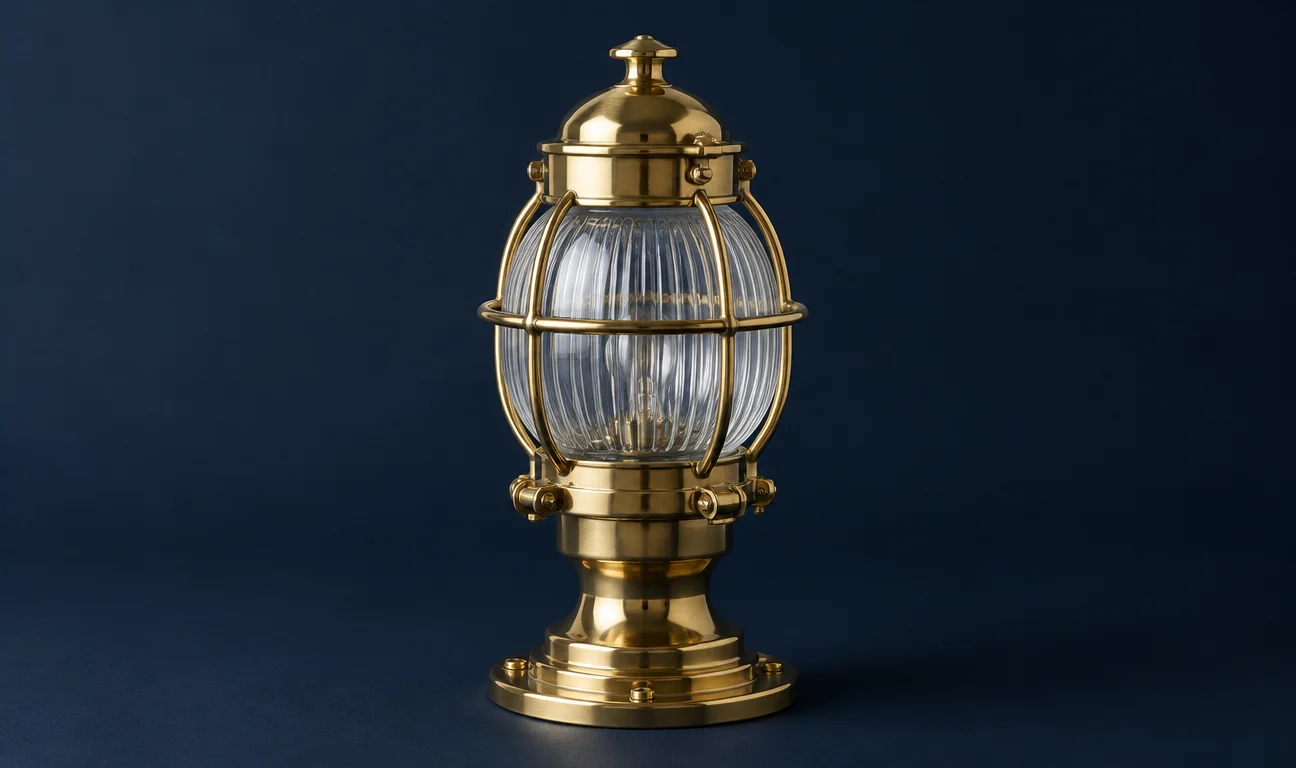
Santre Photo with fictional sample content. The window follows the layout of the established application it is built on.
What is inside.
Adjustment layers
Curves per channel, Levels with a live histogram, Hue/Saturation, Channel Mixer, Gradient Map and Selective Color sit above the pixels as their own layers. Colour lookup tables in .cube and .3dl load the same way.
Selections that find subjects
Marquees, lassos, Magic Wand, Quick Selection, Object Selection and Select Subject cover rough and precise work. A refine step feathers, smooths and grows the edge, then turns it into a mask, a path or a shape.
Layers, masks, smart objects
Groups, clipping masks, pixel and vector masks and fill layers keep a composite organised. Smart objects scale and warp without losing detail, and colour labels and locks keep busy files in order.
Type with layer styles
Point and paragraph type is edited on the canvas with Character and Paragraph controls. Drop shadows, glows, bevels, strokes and overlays stay live on the text, so the headline can change after the styling is done.
Filters you preview first
Blurs including tilt-shift, iris and spin, Reduce Noise, distortions and Lighting Effects preview on the canvas inside the selection. Applied to a smart object, a filter stays editable.
Colour at full depth
Documents can be RGB, Grayscale, CMYK or Lab at 8, 16 or 32 bits per channel. ICC profiles, Assign and Convert to Profile, soft proofing and a gamut warning keep print colour honest.
Every colour mode, every depth
RGB, CMYK, Grayscale and Lab at 8, 16 or 32 bits in one editor, with real ICC colour management and soft proofing.
Changes you can take back
Adjustment layers, smart objects and smart filters keep the original pixels untouched until you decide otherwise.
Opens what people send
Layered files from many other image editors open directly, including .psd, .psb, .ora, .kra and .pdn.
In practice.
Cut out and composite a product shot
Run Select Subject, tidy the edge in the refine step and send it to a layer mask. Place the new background as a smart object, match the light with a Curves adjustment clipped to the product, and finish with a soft drop shadow in Layer Style.
Build a social graphic with live type
Draw the badge with the shape tools and Pen, set the headline as point type and add a stroke and outer glow from Layer Style. When the copy changes, edit the words in place and Export As writes PNG or JPEG at the size and quality you set.
Prepare an image for print
Convert the document to CMYK with the profile your printer supplies, then turn on soft proofing and the gamut warning to see which colours will shift. Correct them with Selective Color on an adjustment layer and save a 16-bit TIFF for the press.
Made for
Retouchers and compositors
Build composites from many layers with masks and adjustment layers, then return to any step when the client asks for a change.
Marketing and social designers
Make campaign and web graphics where editable type, layer styles and vector shapes sit beside the photography.
Print and packaging studios
Work in CMYK or Lab at 16 bits, soft-proof against the printer profile and hand over TIFF files for press.
Teams that receive layered files
Open PSD and PSB files from agencies and freelancers with their layers intact, alongside files from several other painting and design apps.
Opens and saves.
Layered PSD and PSB files open with their layers, masks and type, but PSD files saved here may not yet open cleanly in every other editor. HEIC, .kra, .pdn and .afphoto files open read-only.
At the desk.
Menus where you expect them
Menus, panels, tools and shortcuts sit where people who edit images every day already look for them.
History and Actions
The History panel steps back through every change, and the Actions panel records a sequence once and replays it on the next file.
Command palette
Type the name of any command to run it without hunting through menus.
Guides, grids and snapping
Rulers, guides, a grid and snapping line up type and shapes to the pixel.
Three themes
A dark theme for long sessions, a light studio theme and a classic theme.
Print from the app
File › Print sends the document straight to the system print dialog.
Good to know.
- Can Santre Photo open layered PSD files?
- Yes. PSD and PSB files open with their layers, masks, adjustment layers and editable type. Santre Photo can also save PSD, but those files may not yet open cleanly in every other editor, so keep your original when you send work back.
- Does Santre Photo support CMYK and 16-bit editing?
- Yes. Documents can be RGB, Grayscale, CMYK or Lab at 8, 16 or 32 bits per channel, with ICC profiles, soft proofing and a gamut warning.
- Does Santre Photo have generative AI tools?
- No. Select Subject and Object Selection work out the subject on your own computer.
Explore the Stack.
Every app in the Stack is designed around one sign-in, one profile and one place for files, so work moves between them.
 Santre LightDevelop the raw file before you retouch it
 Santre LayoutPlace finished images on the printed page
 Santre InterfaceRetouch imagery for screen designs
- Vector illustration
 Santre Vector
- Video editing
 Santre Film
- Photo library and RAWSantre Light
- PDF editing
 Santre PDF
- Motion graphics and VFX
 Santre Effects
- Page layout and publishingSantre Layout
- Interface designSantre Interface
- Word processing
 Santre Docs
- Audio recording
 Santre Sound
- Presentations
 Santre Deck
- CAD and drafting
 Santre CAD
- Spreadsheets
 Santre Grid
- Document intelligence
 Santre Document Intelligence