
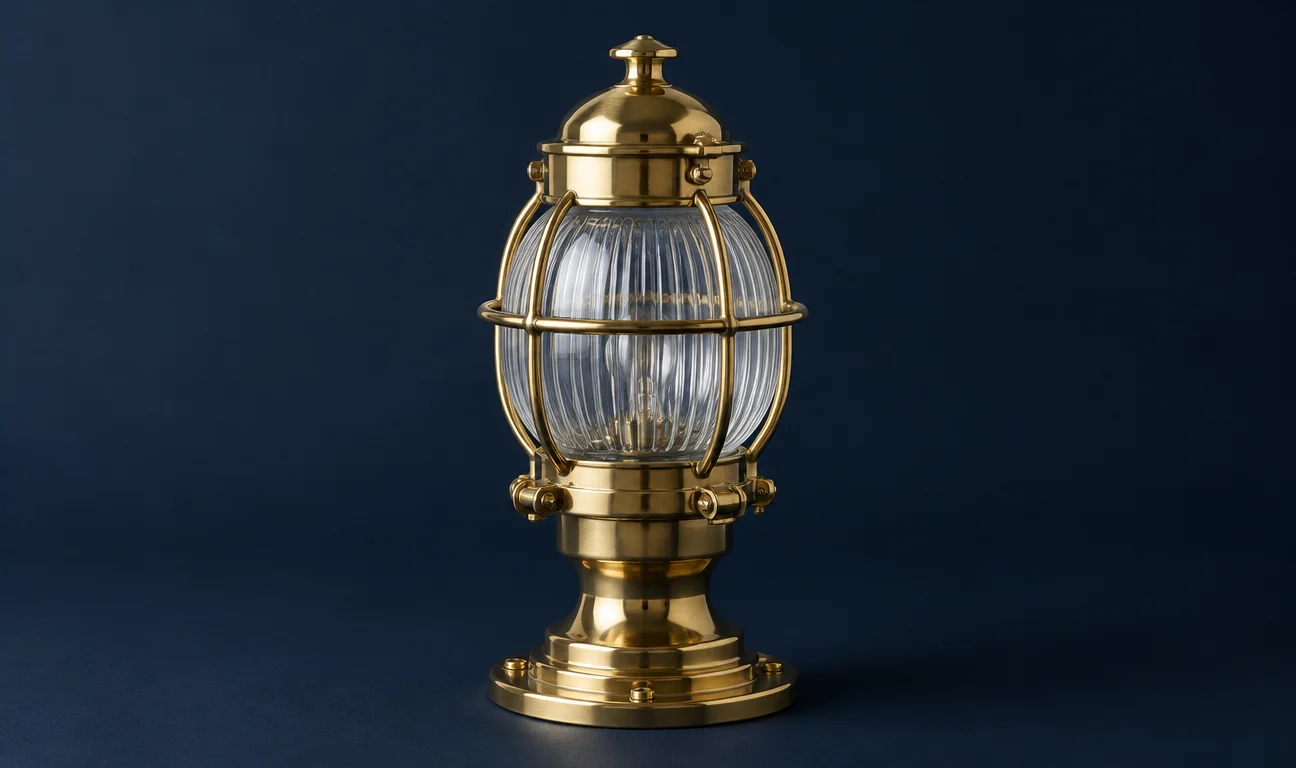
Northwind Atelier · Volume One
The Harbour
Lamp
Spring Catalogue 2026
A study in warm brass, ribbed glass and the patient light of the coast.
Northwind AtelierSpring · 2026


Santre PDF
Read, organise, comment on, fill, redact and sign PDFs in one window. Santre PDF is made for reviewers, legal teams and office staff, and every save keeps the original file safe, with undo still working after you save.
Alternative to
Spring catalogue proof with review comments
Sample content
Santre PDF with fictional sample content. The window follows the layout of the established application it is built on.
Pages render faithfully, including right-to-left scripts and vertical Japanese, and stay sharp at any zoom. Find-as-you-type search and text selection follow the reading order, even across columns.
The Organize grid rotates, deletes, inserts, moves and duplicates pages. Combine files with each one nested in the bookmarks, extract pages or split every few pages, and links, form fields and attachments come along.
Add notes, highlights, shapes, ink, text boxes and stamps, then reply, set a status and print a comment summary. Comments travel to other PDF tools as FDF or XFDF.
Fill and clear form fields, add new ones and change many fields at once. Form data imports and exports as FDF, XFDF, XML or CSV.
Redact by hand or by search pattern, and sanitise hidden data before a file goes out. Passwords and permissions use encryption up to AES-256.
Sign with a .p12 or .pfx digital ID and add a trusted timestamp. Signatures are checked for revocation, and certificates can be imported as trusted.
Changes are added to the file without rewriting what was there, and undo still works after a save.
Merged and split files keep their links, form fields, layers and attachments.
Damaged PDFs are repaired on opening, and every standard password scheme is supported.
Combine the exhibits into one PDF with each file nested in the bookmarks, then redact account numbers by search pattern. Sanitise the file, add a password and sign it with your digital ID before it leaves the office.
Compare the old and new versions to get a PDF report of the changes. Comment on the clauses that need work, set each thread's status and export a comment summary for the other side.
Create a PDF from a folder of scanned TIFF or JPEG pages, then run Scan & OCR to add a hidden text layer. The pages can now be searched and copied from.
Legal and compliance teams
Assemble, redact, sanitise, password-protect and sign document bundles.
Reviewers and editors
Comment in threads, compare versions and exchange comments with other PDF tools.
HR and administration
Build and fill forms, then export the answers to CSV.
Records and accessibility staff
Open damaged files, make scans searchable and run the Accessibility Checker before publishing.
Images and text become new PDFs; .docx, .pptx, .rtf and .html exports keep the text but not the exact layout, and OCR reads Latin-script text only.
Open many PDFs in one window, see which have unsaved changes and reopen a tab you just closed.
Press Ctrl+K to find any tool by name, or browse the All tools panel.
Bookmarks, thumbnails, comments, form fields, layers and attachments each have their own panel.
Tools and Inspector panels split, float and stack, and Reset Panel Layout puts them back.
Continuous, single-page and two-up views, full screen, and light or dark themes.
Work is saved every minute and recovered after a crash.
Every app in the Stack is designed around one sign-in, one profile and one place for files, so work moves between them.
 Santre DocsExport the signed-off report as PDF
 Santre LayoutComment on the print proof
 Santre CADMark up the plotted drawings
 Santre Photo
 Santre Vector
 Santre Film
 Santre Light
 Santre EffectsSantre Layout
 Santre InterfaceSantre Docs
 Santre Sound
 Santre DeckSantre CAD
 Santre Grid
 Santre Document Intelligence